Introducing Baris Suara: The Podcast Instagram Feed PowerPoint Template
Transform Your Podcast Promotion with a Professional Visual Identity
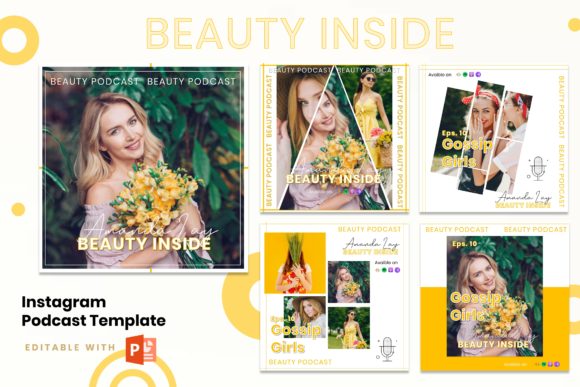
In the crowded world of podcasting, a compelling audio story is only half the battle. The other half is visual promotion. Your show notes, episode announcements, and social media graphics are the first impression for potential listeners. This is where the Instagram Podcast - Beauty Inside template, featuring the Introducing Baris Suara design, becomes an indispensable asset. It’s a purpose-built PowerPoint template designed to give your podcast a consistent, polished, and engaging presence on Instagram, helping you cut through the noise and attract your ideal audience.
This isn't just a collection of slides; it's a complete visual branding kit. The template embodies a modern and elegant aesthetic, blending creative layouts with professional structure. The overall style is clean and sophisticated, using ample white space to let your content breathe. The typography choices and graphic elements are carefully curated to convey a sense of credibility and thought leadership, which is essential for building trust with listeners. Whether your podcast focuses on deep conversations, business insights, or personal stories, this template provides a versatile canvas that adapts to your unique voice.
Practical Design for Real-World Content Creation
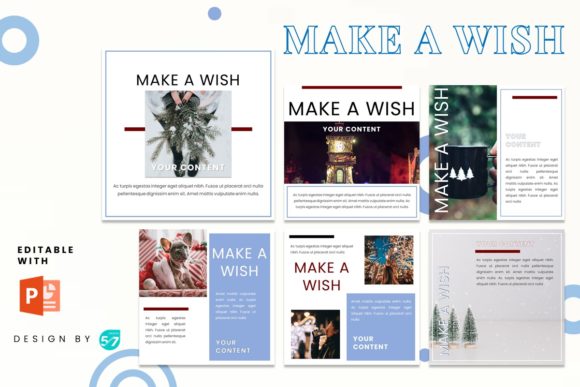
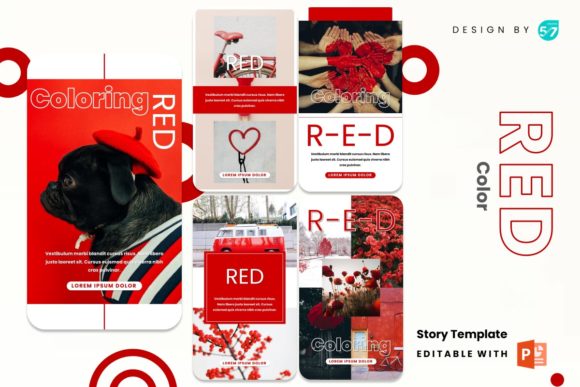
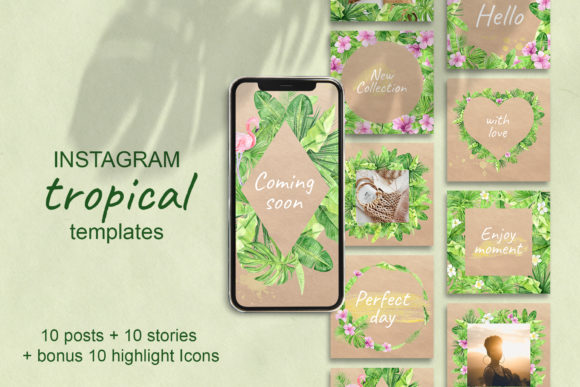
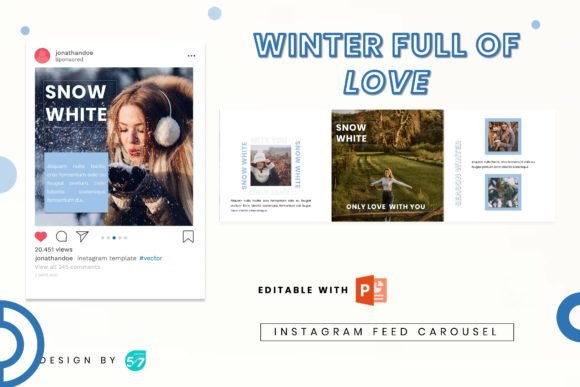
The true value of a design asset like this lies in its practicality. The Instagram Podcast - Beauty Inside template is engineered for efficiency. It includes two master files optimized for the two most critical Instagram formats: the 1080x1080 pixel feed post and the 1080x1920 pixel story. This dual-format approach ensures your branding remains consistent whether a user sees your post in their feed or taps through your story. The five slides for each format provide a logical workflow for promoting a single episode, from a teaser to a full feature and a call-to-action.
Editing is straightforward, even for those with minimal design experience. All graphics are resizable and editable, and the template uses picture placeholders with a simple drag-and-drop function. This means you can swap in your own host photos, guest headshots, or episode-specific artwork in seconds. The color scheme is easily adjustable to match your podcast's brand identity, and the recommended free web fonts ensure your final exports look sharp and professional without additional licensing costs. The included documentation file guides you through the process, making it a truly user-friendly solution for busy creators.
Strategic Applications Beyond Podcasting
While its name highlights podcasting, the utility of the Baris Suara template extends far beyond audio promotion. Its clean, modern typography and structured layouts make it a powerful tool for a variety of projects. Consider using it for:
- Personal Branding & Coaching: Create cohesive social media graphics for your services, testimonials, and client success stories.
- Fashion & Lifestyle Blogging: Showcase outfit ideas, travel diaries, or product reviews with a consistent, magazine-style aesthetic.
- Small Business Marketing: Announce promotions, introduce team members, or share behind-the-scenes content with a professional flair.
- Event Promotion: Design visually appealing invitations, schedules, and recap posts for webinars, workshops, or local events.
- Celebration & Announcement Graphics: From book launches to product releases, the template provides a sophisticated framework for your big news.
The template's strength is its ability to enforce visual hierarchy and readability. By using pre-designed layouts, you ensure that your key message—the episode title, guest name, or special offer—is always the focal point. This consistency builds recognition. When your followers see your posts in their feed, they immediately associate the clean design and specific color palette with your brand, increasing engagement and recall. It transforms your Instagram grid from a random collection of images into a curated gallery that tells a cohesive story.
Making the Most of Your Template: A Designer's Perspective
As a creative professional, I recommend thinking of this template as a starting point for your brand identity, not just a finished product. Here’s how to leverage it effectively:
- Establish Your Style Guide: Before you start editing, define your primary and secondary brand colors. Use the template's color customization to set these once, then apply them consistently across all slides. This builds instant recognition.
- Choose Your Font Pairing Wisely: While the template suggests fonts, feel free to experiment. Pair a bold, display font for headlines with a clean sans serif font for body text to create a dynamic yet readable hierarchy. Ensure any new fonts you choose are licensed for commercial use.
- Focus on Visual Flow: Use the five-slide sequence strategically. Slide one is your hook—a striking image and a provocative question. Slide two introduces the topic or guest. Slide three dives into a key takeaway. Slide four might feature a powerful quote. Slide five is your clear call-to-action: "Listen Now" with a link in bio. This narrative arc keeps viewers engaged.
- Test Across Devices: Always preview your final JPG or PNG files on a mobile phone. This is how 99% of your audience will see them. Check that text is legible and key elements aren't cropped awkwardly by Instagram's interface.
- Think in Series: Use the template to create a recognizable series for recurring segments, like "Q&A Fridays" or "Guest Spotlight Tuesdays." This trains your audience to anticipate and look forward to specific content types.
The Instagram Podcast - Beauty Inside template, with its Baris Suara design, is more than a set of slides. It's a workflow tool that saves time, enforces quality, and elevates your visual marketing. By understanding its design principles and applying them strategically, you can transform your Instagram presence from an afterthought into a powerful engine for audience growth and brand loyalty. It’s a premium font and design asset package that delivers real-world value, helping you present your creative work with the professionalism it deserves.